Building a Simple Asset-to-Gameplay Pipeline using Blender and UEFN
Introduction
This project was developed as part of a 3-day game development bootcamp organized by Datsi in collaboration with Tiltedu.
The goal was to build a simple real-time experience by connecting asset creation, environment design, and basic gameplay logic using Blender and Unreal Editor for Fortnite.
Rather than just documenting what was done, this article focuses on what I noticed while working through a small asset-to-gameplay pipeline and how different stages started to connect.
Asset Development in Blender
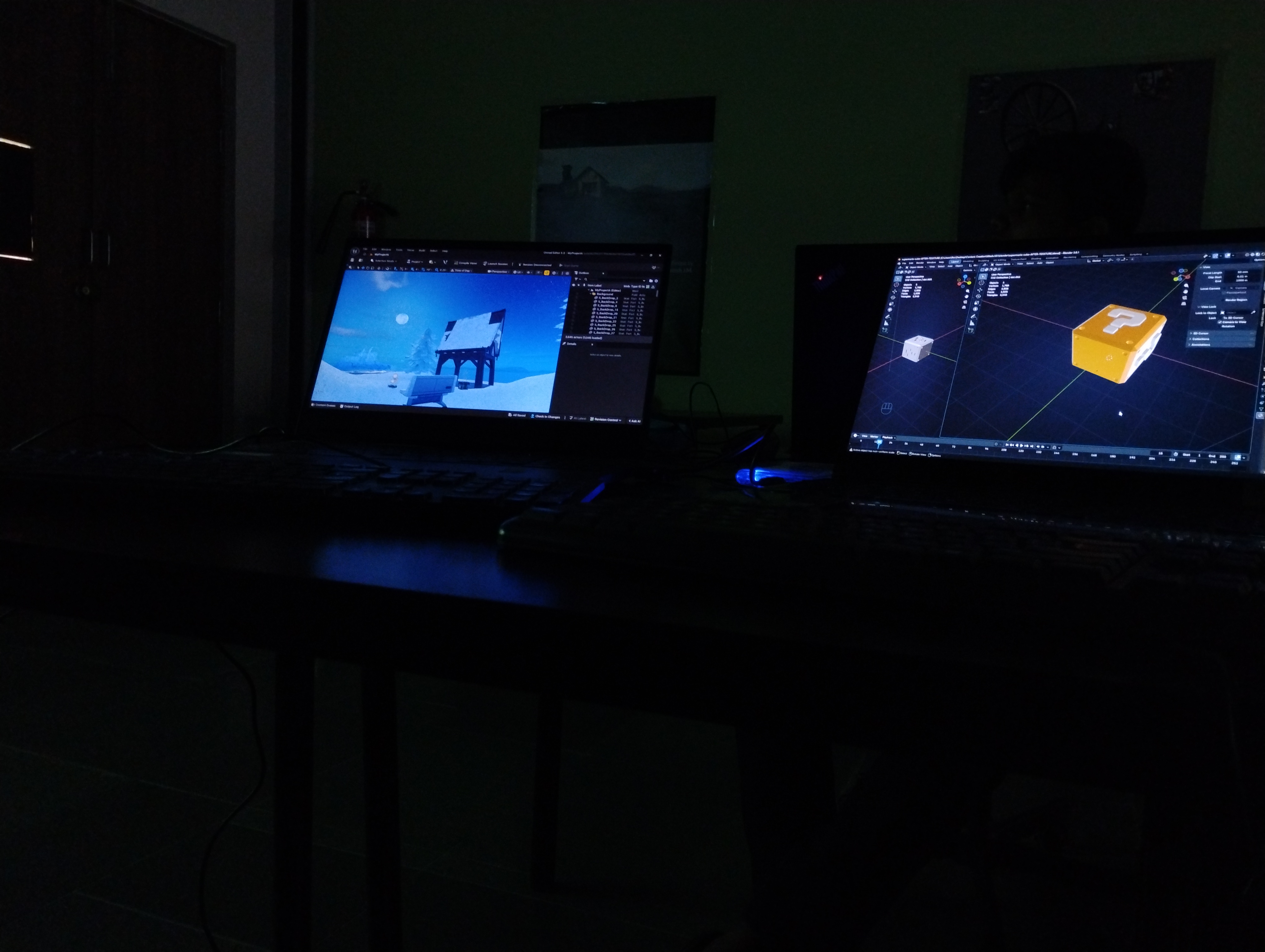
We started by creating a collectible asset based on a reference (a Super Mario–style brick cube). At first, it felt like a straightforward modeling task, but matching the reference while keeping the geometry clean took more thought than expected.
Using boolean and mirror modifiers helped simplify parts of the process that I initially tried to do manually. Once I switched to a more non-destructive approach, it became easier to adjust proportions without reworking the entire model.
Basic operations like extrusion and transformations were used to define the form, and simple material setup was enough to make the asset readable in a real-time context.
What stood out here was that even a simple asset benefits from being structured with the next stage in mind—not just how it looks in isolation.
Export and Integration into Unreal Editor for Fortnite
Exporting from Blender to UEFN seemed straightforward, but small details like unapplied transforms and modifiers affected how the asset appeared after import.
I ran into minor issues with scale and orientation, which made it clear that something that looks correct in Blender doesn’t automatically feel right inside the engine. Fixing this required being more deliberate about applying transforms and checking consistency before export.
Once inside UEFN, placing the asset in the scene shifted the focus from “does it look correct?” to “does it fit the environment?”
This step made me start thinking of assets less as individual objects and more as parts of a larger system.
Scene Composition and Spatial Design
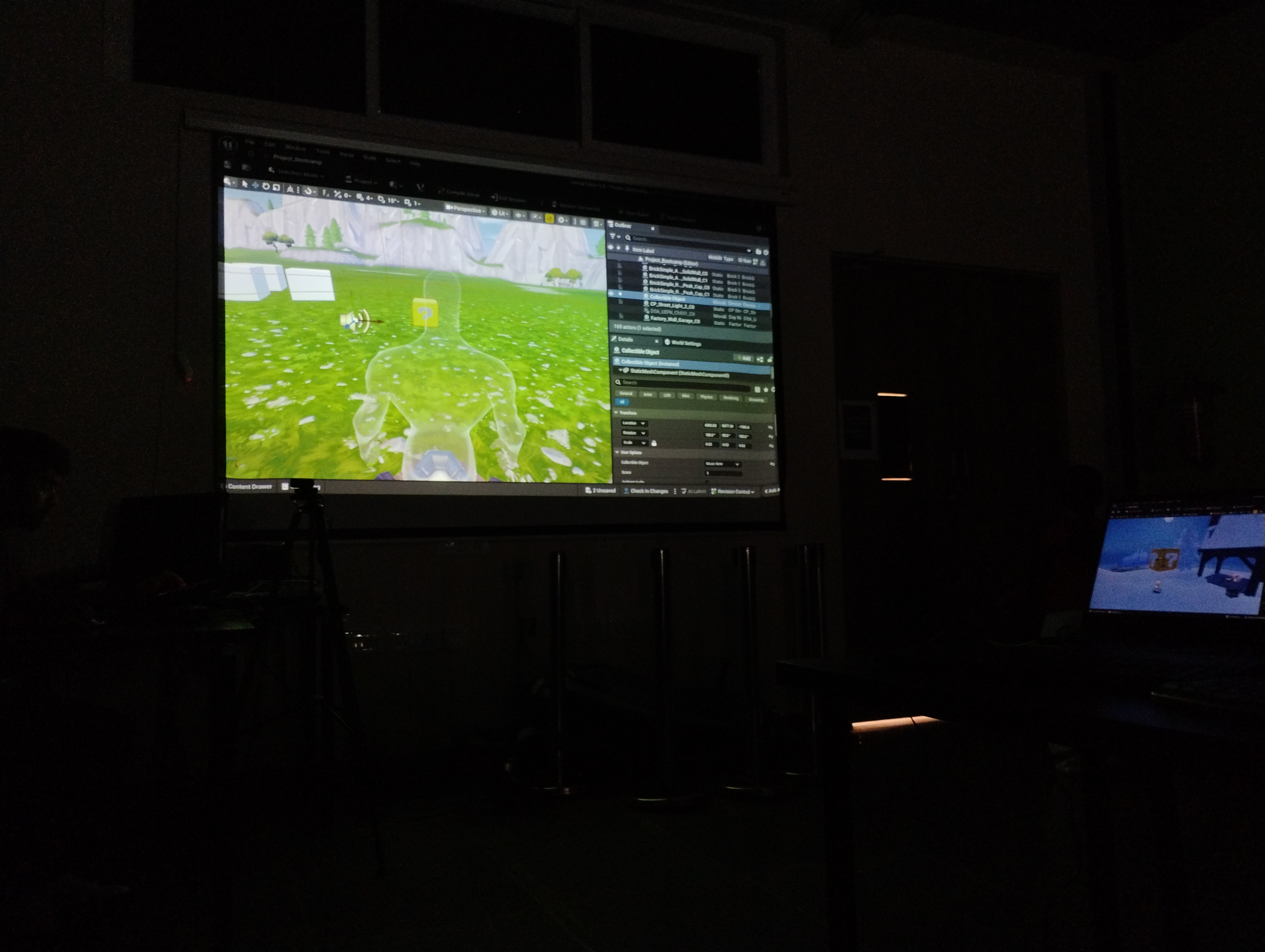
Most of the environment was built using a mix of custom and prebuilt assets. Initially, I approached this as simple placement—dropping assets into the scene and adjusting them visually.
But that quickly felt random.
It only started making sense when I began thinking about how a player would move through the space. Placement became less about filling the environment and more about guiding attention and movement.
Using transform tools for positioning, scaling, and alignment became less mechanical and more intentional—supporting composition rather than just arranging objects.
Interaction and Spawn Logic using Verse
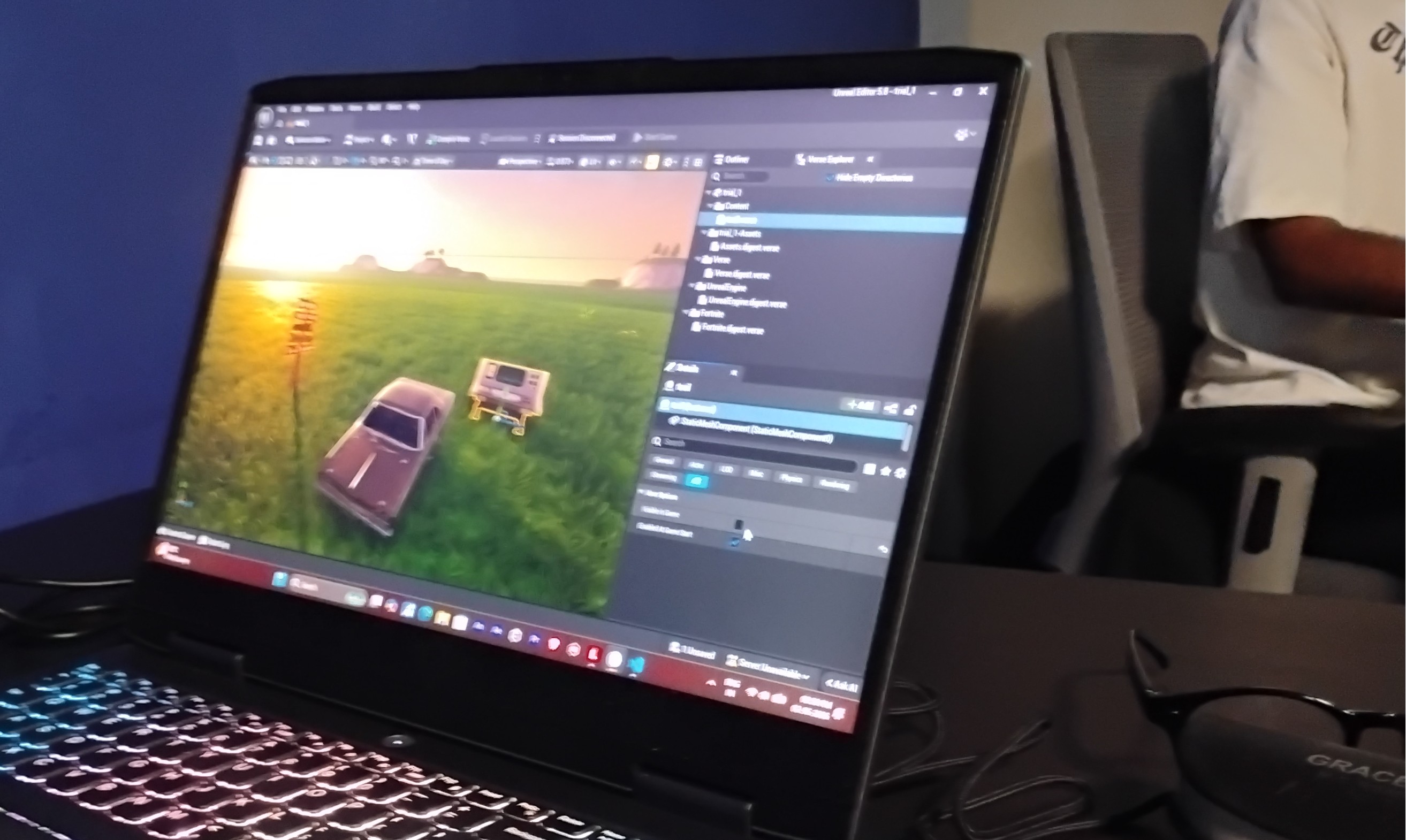
We used Verse to define basic interaction logic in the level. At first, this felt like a separate layer from the visual work, but it quickly became clear that it directly affects how the environment is experienced.
One thing that stood out was player spawn positioning. I didn’t expect it to matter much initially, but changing the spawn point noticeably changed how the scene felt when entering it.
Instead of treating spawn as a default setup, it became more of a design decision—controlling what the player sees first and how they interpret the space.
Even simple scripting started to feel like a way to shape experience, not just add functionality.
Observed Challenges and Resolutions
A few recurring issues during the process made it clear how much small workflow decisions affect iteration speed and control.
Naming Conflicts and Save Issues
While working in Unreal Editor for Fortnite, I ran into an issue where the project failed to compile and save correctly due to naming conflicts between the project and associated Verse files.
Using identical or overlapping names caused unexpected behavior during compilation, making it difficult to identify the source of the issue at first. Renaming files with clearer and distinct identifiers resolved the problem and restored normal compile and save functionality.
This highlighted how naming is not just an organizational concern, but also affects how systems resolve and process files during compilation.
Updating Changes in a Live Environment
There were moments where changes I made didn’t appear in the live session, which was confusing at first. I later realized this was because I hadn’t pushed the updates to the running game. Once I understood that step, the iteration process became much clearer.
Cursor and Origin for Precise Control
In Blender, I initially treated the 3D cursor and object origin as secondary tools, but they became important for controlling both modeling operations and object placement.
Repositioning the 3D cursor made it easier to define where transformations and new geometry should occur, especially when working relative to specific parts of the model rather than the global center. This became particularly useful when using modifiers like mirror, where the origin determines the axis of symmetry.
Adjusting the object origin also improved how assets behaved during duplication and placement in the scene. Instead of manually correcting positions after each operation, setting the correct origin early made transformations more predictable.
This shifted my workflow from reacting to placement issues to controlling them upfront.
Balancing Templates with Creative Control
Using predefined templates made it easy to get started, but it also made the environment feel generic if used without changes. The challenge was to go beyond default layouts and use those assets in a way that still felt intentional.
Additional Exploration: Physical Feedback in VR
As part of the program, we experienced a VR-based bungee jumping simulation that combined a virtual scene with a physical surface users interacted with.
What stood out wasn’t the visual side, but how the physical setup affected perception. Lying on the board while the virtual motion played created a stronger sense of gravitational shift than I expected.
It made it clear that even minimal physical feedback, when aligned with visuals, can significantly increase immersion.
It also highlighted how sensitive this is—if the physical and virtual cues don’t match, the experience quickly feels off.
Closing Note
This project started as a simple exercise, but it ended up showing how closely connected asset creation, system logic, and player experience are—even at a small scale.